We use cookies, including cookies from third parties, to enhance your user experience and the effectiveness of our marketing activities. These cookies are performance, analytics and advertising cookies, please see our Privacy and Cookie policy for further information. If you agree to all of our cookies select “Accept all” or select “Cookie Settings” to see which cookies we use and choose which ones you would like to accept.

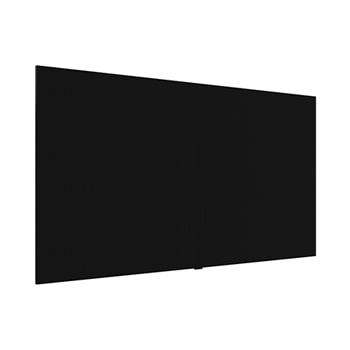
All-in-One Micro LED Display
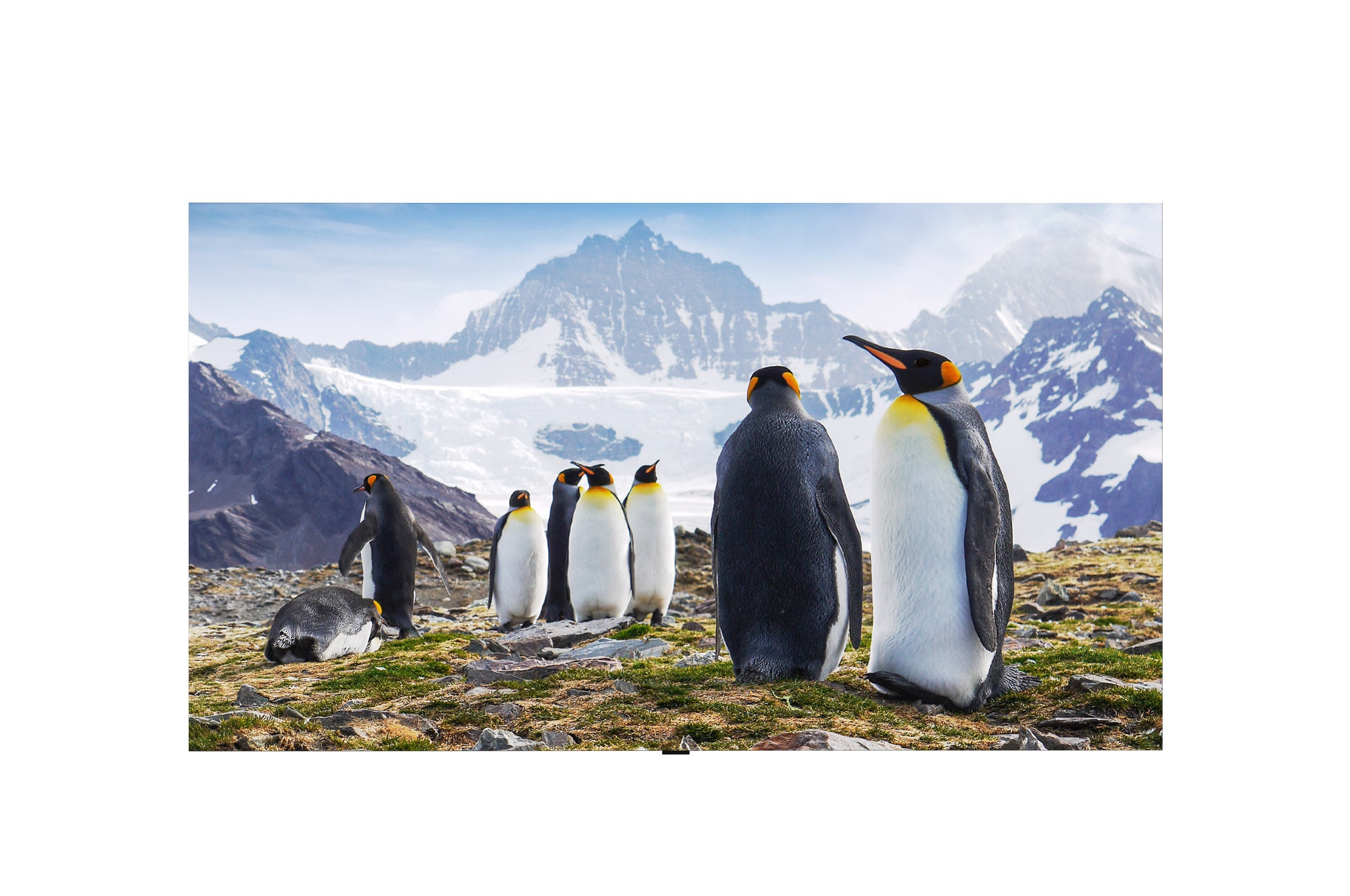
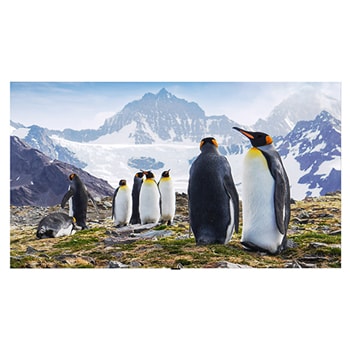
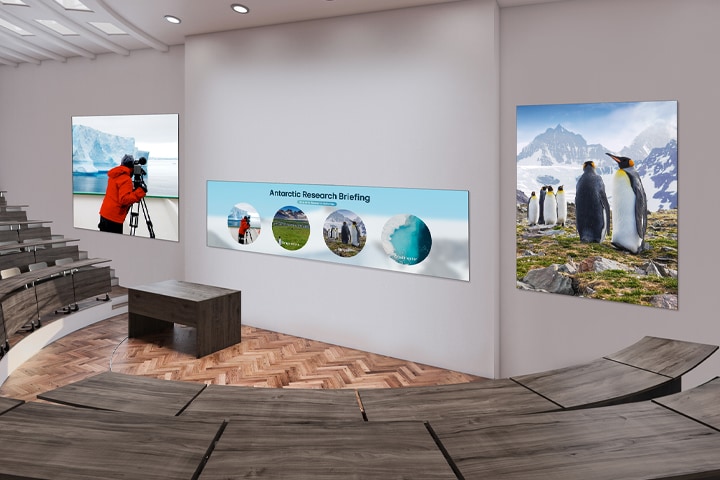
Three large LED displays are installed on an auditorium wall. A wide LASA136 display configured in a 1×2 layout is positioned in the center, with two displays configured in 2×1 layouts placed on either side, clearly showing briefing materials and natural scenery related to Antarctic ecology.
* All images in this page are for illustrative purposes only and may differ from the actual product.
** Stand accessories differ by models, and need to be purchased separately.
Achieving Deep Black
with COB Micro LED Technology
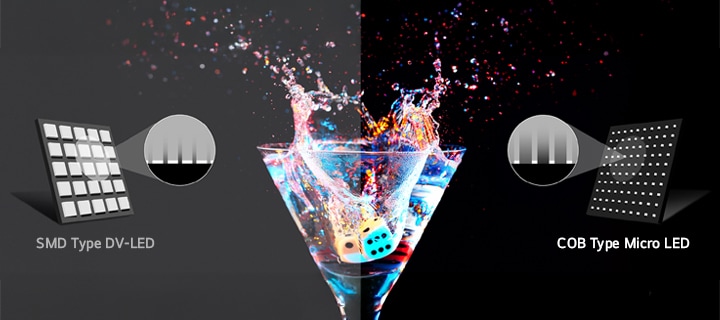
LASA136 applies COB Micro LED technology, in which micro-sized LED chips are directly bonded to the circuit board. Compared to conventional SMD-type LED structures, this design can help reduce light reflection and support improved contrast, providing a more immersive and visually distinctive viewing experience.
Compared to conventional SMD-type LED structures, the COB Micro LED technology applied to LASA136 enables more precise black color and contrast reproduction.
All-in-One LED Screen
with Built-in Speaker
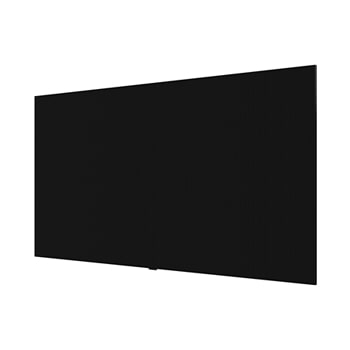
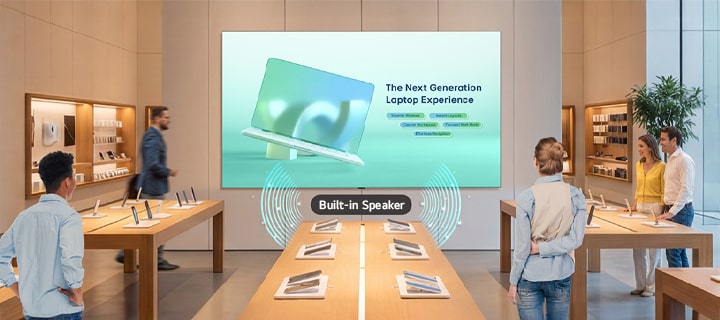
Experience the convenience of LG MAGNIT Essential LASA136, featuring a stunning 136-inch screen. This all-in-one package includes an embedded controller and built-in speaker, making setup a breeze. Dispelling the notion that LED displays are difficult and complex to install, it requires no controller connections or module configuration.
A large LASA136 screen mounted on the wall of an electronics store displays a product advertisement, with sound playing through its built-in speaker.
Easy Installation
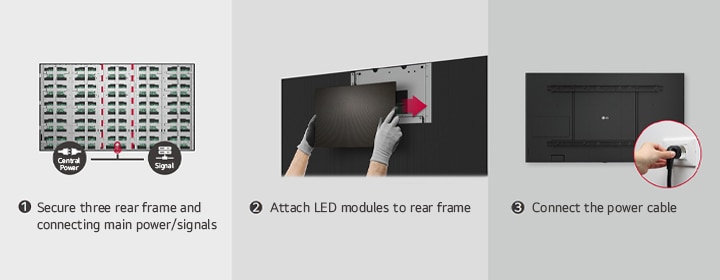
The installation process of the LG MAGNIT Essential LASA136 is very simple. After securing three rear frames which are included in the kit, attach each LED modules to them. Lastly, plug in the one power cable. This simple installation saves time and labor, allowing users to easily manage the LED screen with ease.
This consists of three images illustrating the steps for securing three rear frames, attaching LED modules, and connecting the power cable.
* The image is illustrated as an example of LASA136.
Quick Maintenance
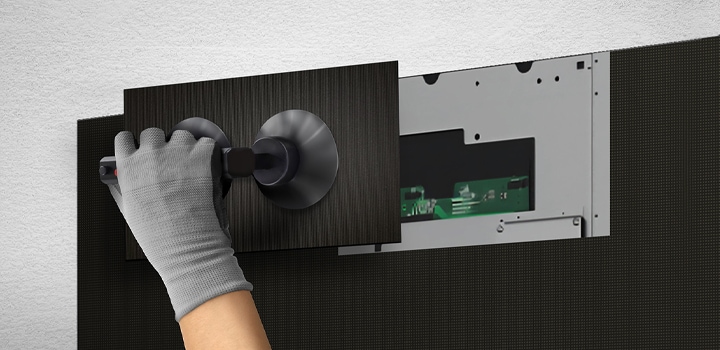
In case of failure related to the LED module or the system board, it can be serviced from the full front side. The LED module can be simply detached by the provided suction cup tool and replaced quickly without cabling.
A person replaces one of the LED modules from the front using the provided suction cup tool.
* Full front service access available.
* Images are simulated for demonstration purposes and may differ from actual use.
Simple Power Connection
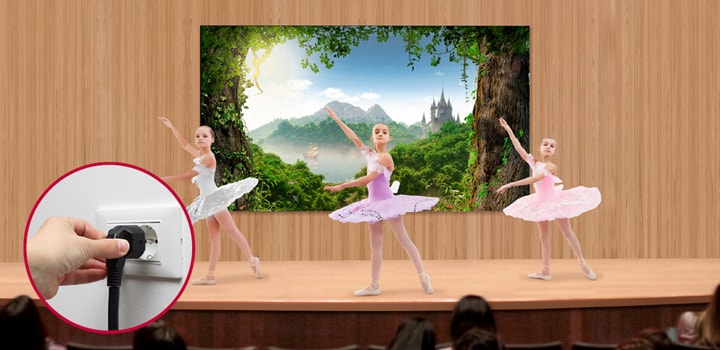
The LASA136 is operated with Single AC cable without the need for a complicated power connection and enables neat installation.
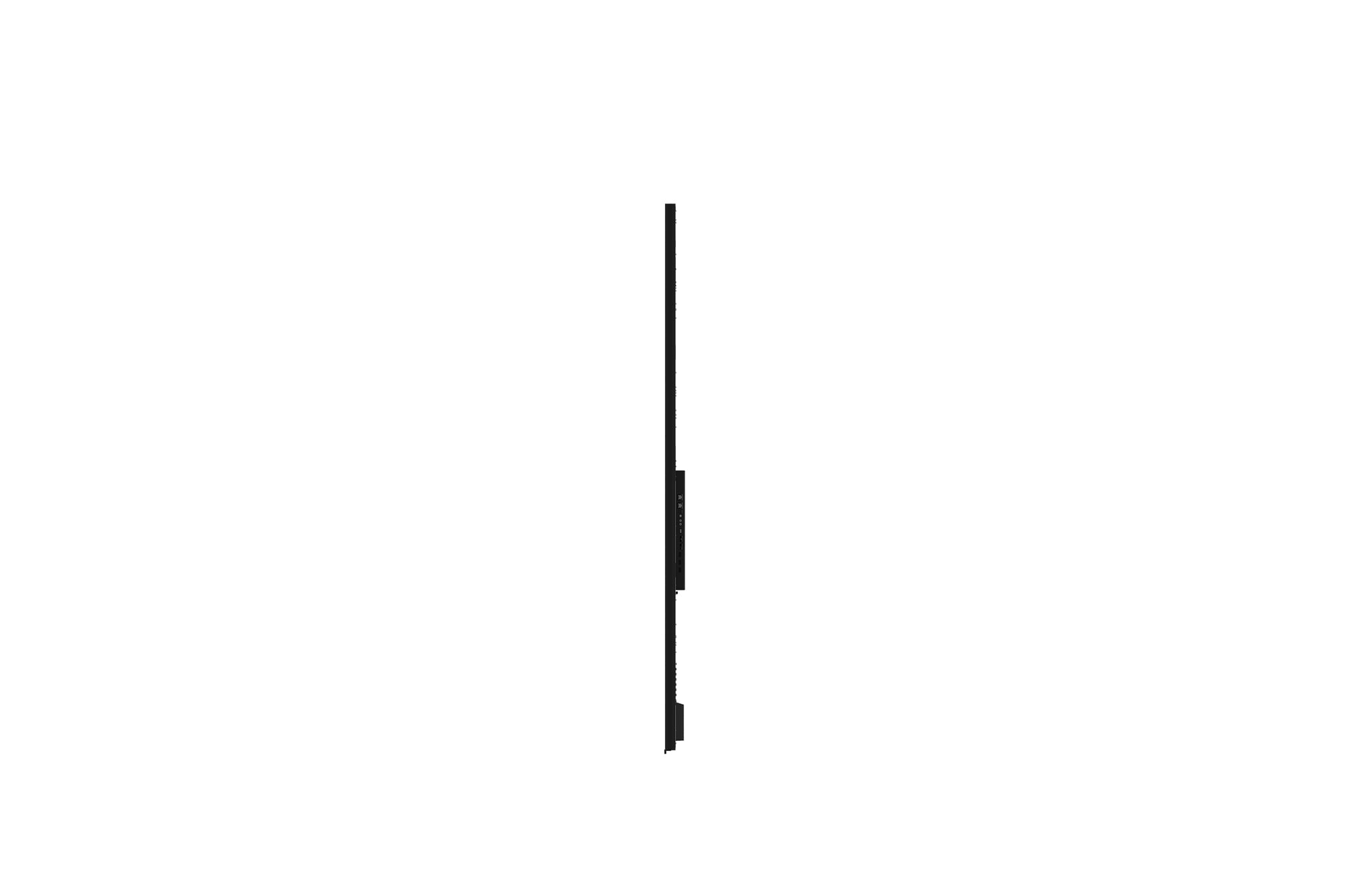
To show that the LASA136 can be simply connected to a power supply, it shows the power connection part.
Versatile Installation
with Dedicated Accessories
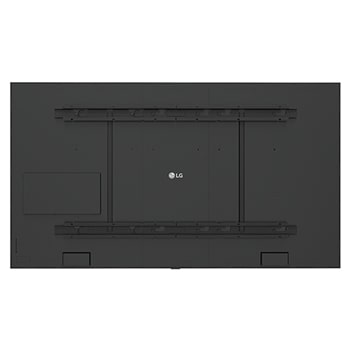
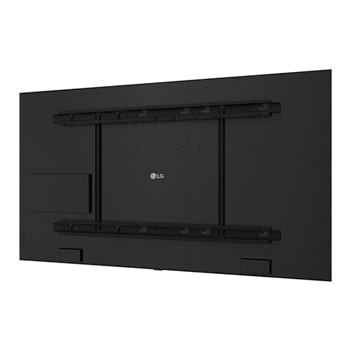
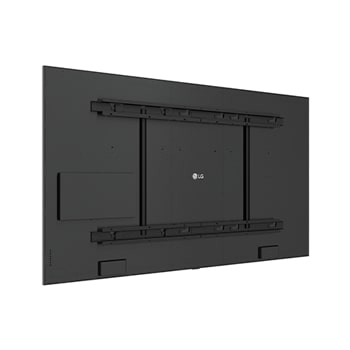
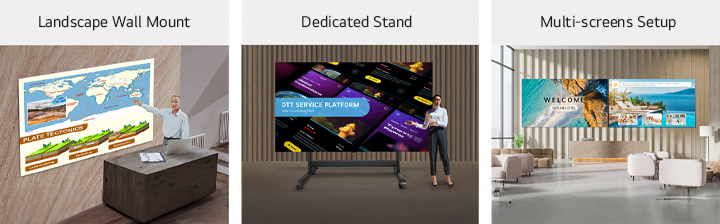
The product is offered with key components including the landscape wall mount and tools for installation. For added convenience, a dedicated stand is available as an option, allowing you to easily position the screen based on your installation needs. Additionally, the LASA136 supports seamless side‑by‑side installation in 1 × 2, 2 × 1, or 2 × 2 configurations, allowing up to four screens depending on the installation site and application.
Multiple LASA136 displays, installed on the wall with a landscape wall mount, with a dedicated stand, and side by side as two displays in a multi-screen setup, are shown in three different images.
* For multi-screen configuration, an expansion kit is required.
* The Expansion kit and stand accessories are sold separately; stand-type installations do not support multi-screen expansion.
DP Daisy Chain Capability
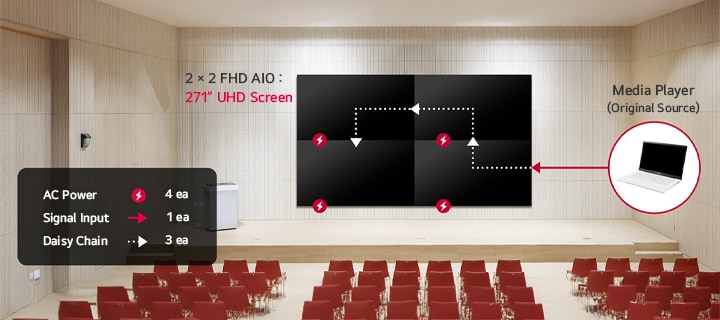
LASA136 supports DisplayPort (DP) daisy chain connectivity, allowing multiple displays to be connected through a single signal input from a media player for easy video wall setup. When used with the Video Wall feature, DP daisy chain enables configurations up to 4K resolution without requiring a separate signal distributor.
A large 2×2 LASA136 video wall is installed on an auditorium wall, and 4K content across multiple displays can be easily managed from a single laptop via DP daisy chain.
5,000 m Operational Capability
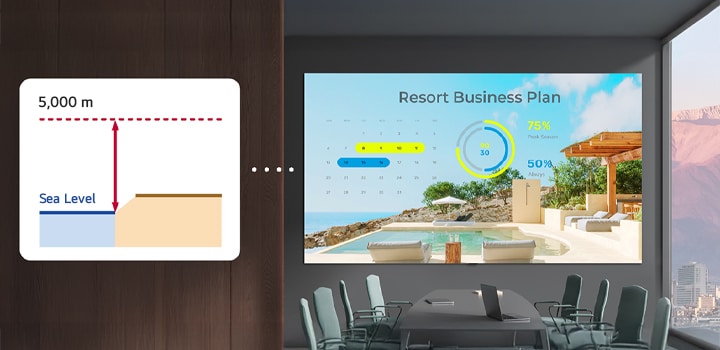
LASA136 is designed for operation at 5,000 m above sea level. To cope with the requirement of 5,000 m altitude application, the existing SMT type 20 W PSU mounted on the power board has been exchanged to new 45 W PSU that could comply with 5,000 m altitude operation requirement.
The LASA136 operates smoothly at altitudes of up to 5,000 meters.
* Actual results or performance may vary depending on the use environment.
High Performance with webOS
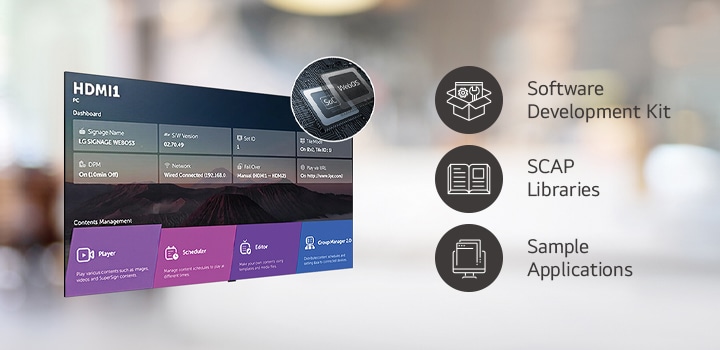
Built-in Quad Core SoC can execute several tasks at once while providing smooth content playback without the need for a media player.
Several tasks that can be performed simultaneously are arranged through the LG webOS smart platform.
* The webOS Signage Developer site (http://webossignage.developer.lge.com) provides SDK tools and documentation for creating apps on LG Digital Signage. This is only open to partners.
Display Power Management (DPM)
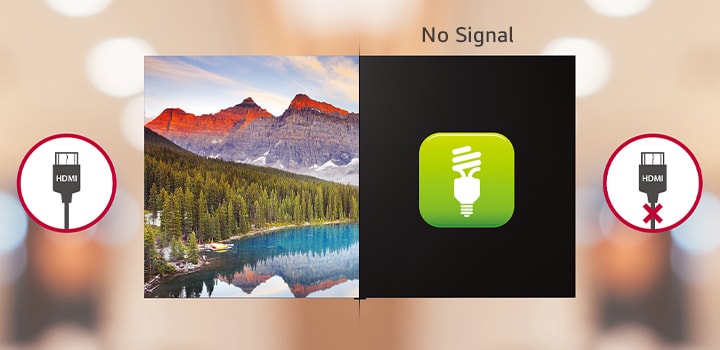
DPM function makes LED screen enter Stand-by model in a certain period when there is no signal from input source device that helps power saving management.
The LASA136 operates smoothly at altitudes of up to 5,000 meters.
All Spec
PHYSICAL PARAMETERS
Pixel Configuration
COB
Pixel Pitch (mm)
1.56
Module Resolution (WxH)
192x108
Module Dimensions(WxH,mm)
300x168.75
No. of Modules per Screen (WxH)
10x10 (Total 100)
Screen Resolution (WxH)
1,920x1,080
Screen Dimensions (W x H x D, mm, including bezel)
3,005x1,692.5x32 (Thickest 62.05)
Screen Surface Area (㎡)
5.06
Weight of the screen
111
Physical Pixel Density (pixels/㎡)
410,208
Flatness of Cabinet (mm)
±0.10
Cabinet material
Aluminum
Service access
Front
OPTICAL SPECIFICATIONS
Brightness (After Calibration, nit)
Typ. 600
Color Temperature
3,200~9,300
Visual Viewing Angle (Horizontal)
160
Visual Viewing Angle (Vertical)
160
Brightness Uniformity
0.95
Color Uniformity
±0.010Cx,Cy
Contrast Ratio
15,000:1 @10lux
Processing Depth (bit)
16 (HDR10, HDR10 Pro)
ELECTRICAL SPECIFICATIONS
Power Consumption (W/Screen, Max.)
1,200
Power Consumption (W/Screen, Avg.)
500
Power Consumption (W/㎡, Max.)
237
Heat Dissipation (BTU/h/Screen, Max.)
4,092
Heat Dissipation (BTU/h/Screen, Avg.)
1,706
Heat Dissipation (BTU/h/㎡, Max.)
809
Power Supply (V)
100 to 240
Frame Rate (Hz)
50 / 60
Refresh Rate (Hz)
3,840
OPERATION SPECIFICATIONS
LED Lifetime (Half brightness)
150,000
Operating Temperature(℃)
0℃ to +40℃
Operating Humidity
10~90%RH
IP rating Front
IP30
IP rating Rear
IP30
STANDARD
Certification
CE,FCC,ETL,CB,CE-RED, EMC Class A, BS476: Part7 Class 1
ENVIRONMENT
Environment
RoHS, REACH
SPEAKER
Speaker
Built-in(9W+9W)
I/O PORT
I/O Port
HDMI In(3), DP In(1), DP Out(1) USB, LAN In/Out, RS232C In/Out, IR, Digital Audio Out (1, SPDIF Optical)
CONTROLLER
Controller
Embedded(webOS)
To access more technical documentation and downloads, please visit the LG B2B Partner Portal.