We use cookies, including cookies from third parties, to enhance your user experience and the effectiveness of our marketing activities. These cookies are performance, analytics and advertising cookies, please see our Privacy and Cookie policy for further information. If you agree to all of our cookies select “Accept all” or select “Cookie Settings” to see which cookies we use and choose which ones you would like to accept.

* All images are for illustrative purposes only.
The Essential Content Management Solution for
LG Signage Devices
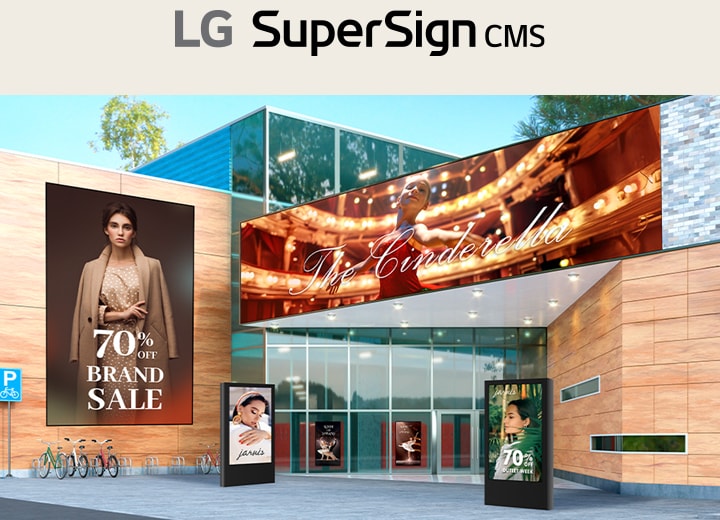
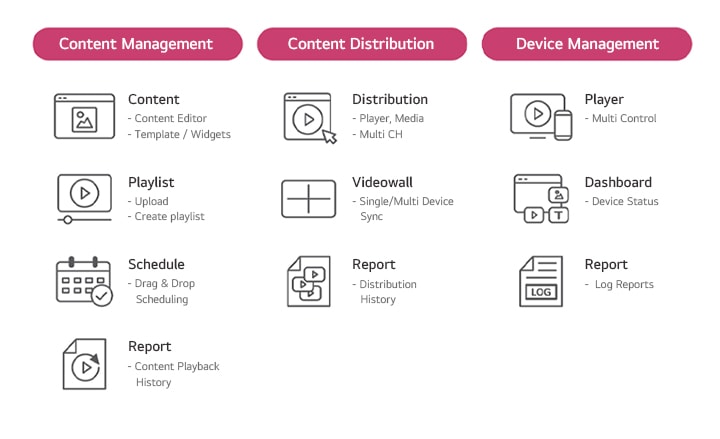
LG SuperSign CMS is an all-in-one solution for content management that simplifies the process with its comprehensive range of features. With LG SuperSign CMS, users can create, edit, and schedule content with ease, and distribute it across a variety of LG devices. In addition, LG SuperSign CMS can monitor and control devices on which it is installed, allowing for centralized management and troubleshooting.
Key Features of LG SuperSign CMS
Content Creation
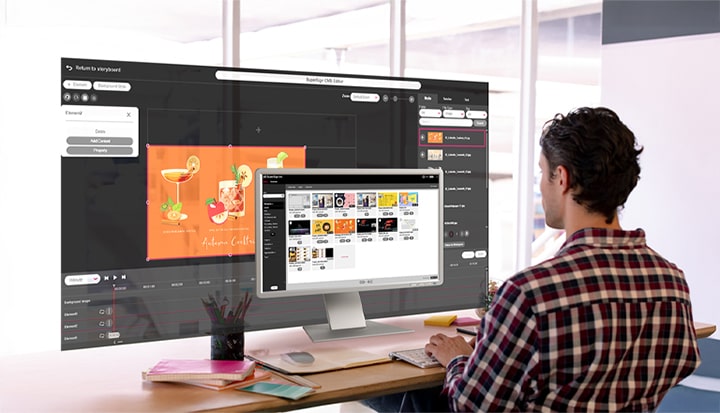
Content can be easily created using editor, customizable templates, external content* from streaming services, web videos and web pages for business to create wide range of content such as menu boards, promotions, or new updates. Users can edit with easy drag-and-drops, and simply check the overall content list at a glance.
* LG SuperSign CMS provides a service that works with external content (Streaming, Web page, Web video, etc.), and external content is not included in the solution.
Easy-to-use Features
LED Content via Editor
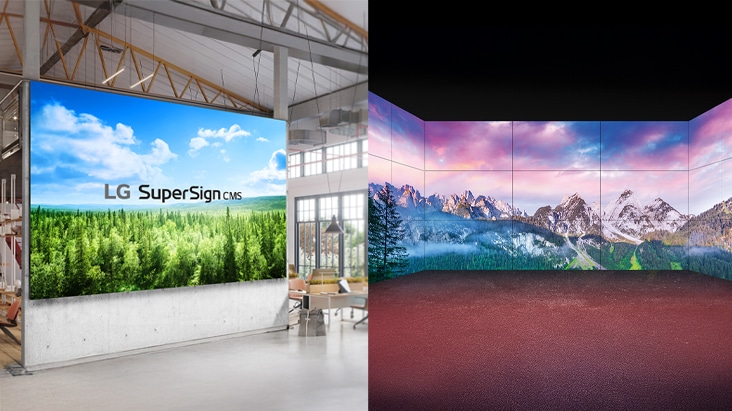
With SuperSign Editor, users can create content for LED Signage, and it is available to distribute on LED signage including regular and irregular LED Signage.
* LG SuperSign CMS provides a service that works with external content (Streaming, Web page, Web video, etc.), and external content is not included in the solution.
Content Distribution
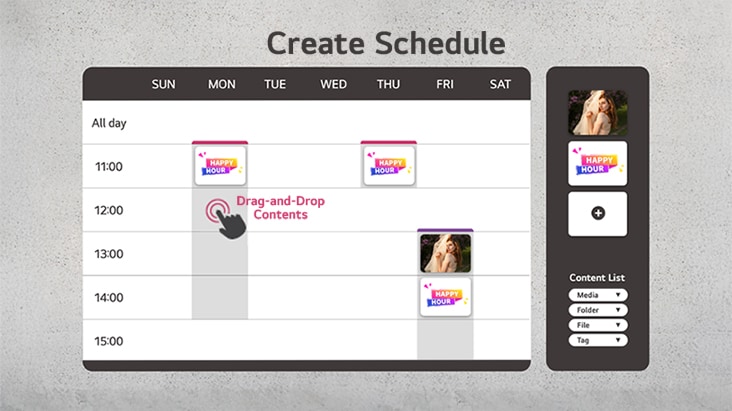
LG SuperSign CMS makes it very simple for the users to distribute content on their signage displays using drag & drop schedule, tags match, and videowall sync to multi signage simultaneously.
Drag & Drop Scheduling
With SuperSign Editor, users can create content for LED Signage, and it is available to distribute on LED signage including regular and irregular LED Signage.
* LG SuperSign CMS provides a service that works with external content (Streaming, Web page, Web video, etc.), and external content is not included in the solution.
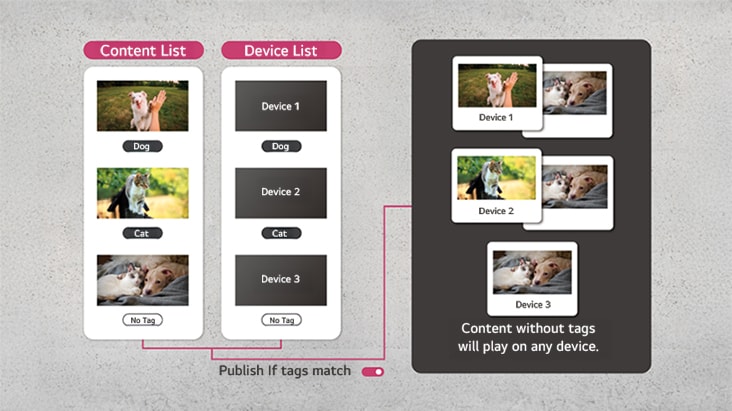
Publish If Tags Match
Available to selectively distribute content matched to each device based on tag settings.
* The availability of this feature may vary depending on the device model.
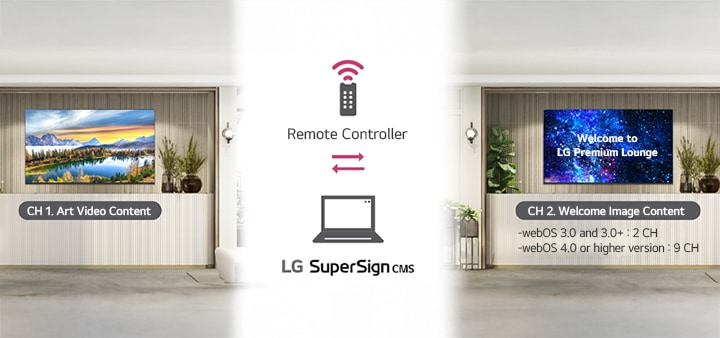
Multi-Channel Distribution
The multi-channel distribution feature is a powerful tool that simplifies the process of changing content on a display. Users can set up various channels on the device and pre-configure the content to be played for each channel. They can then use the remote controller to select the desired channel number and play the corresponding videos. This allows users to configure different content for each channel and easily switch between them.
Videowall Sync
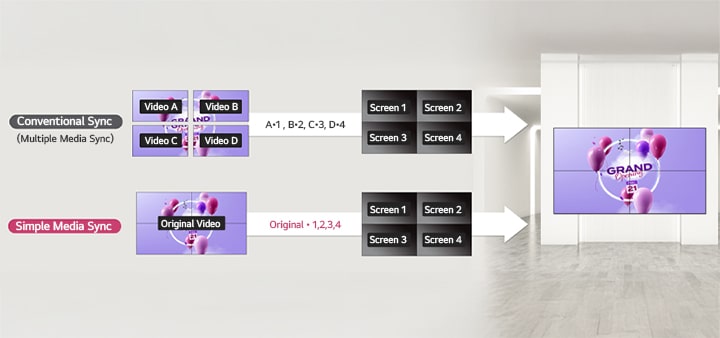
With Videowall feature, users can assign content without the need to split files for each signage, significantly streamlining the lengthy process of content editing and encoding for video walls. Now, all users have to do is select the playback video and define the display area for each section of the signage.
Device Management
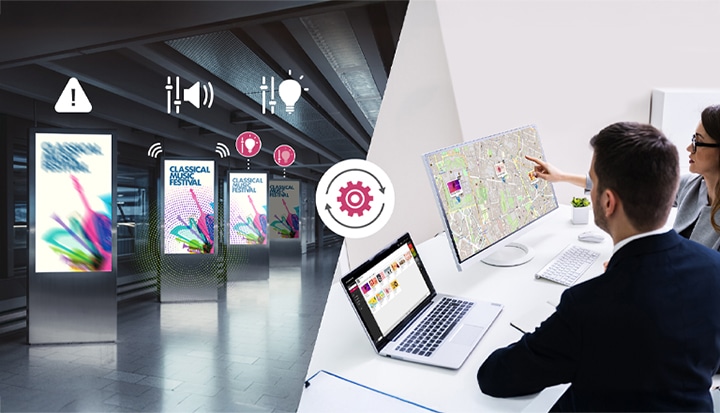
LG SuperSign CMS provides an efficient device management feature that allows administrators to monitor and control multiple digital signage devices remotely from a single location. This feature enables quick identification and troubleshooting of issues, as well as adjustments of settings such as volume and brightness, ensuring that all displays are functioning properly and delivering the intended content.
Monitoring
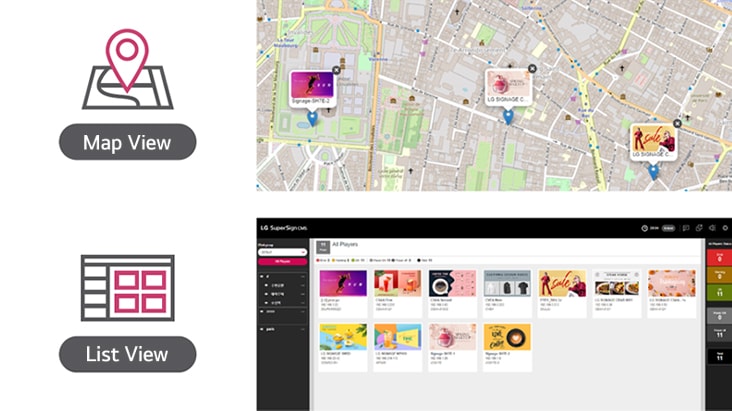
Provides real-time status of the devices and the content connected to each device in a ‘Map View’ or a ‘List View’, which is essential for ensuring the smooth functioning of all connected devices.
Control
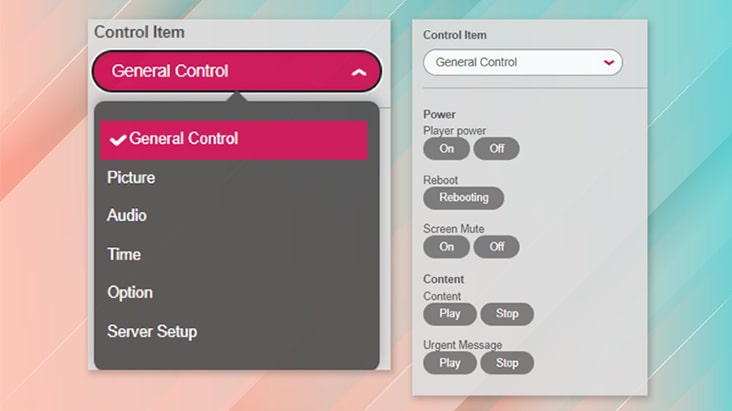
Users can adjust the settings of any registered signage with just a few clicks (Picture, Audio, Time, Option, Server Setup). Users can easily change the displayed content and other settings, making it easy to keep the digital signage displays are always upto- date and displaying the correct content. It even supports installing ‘Network Security Certification’ to on devices via LG Supersign CMS.
* The availability of this feature may vary depending on the device model. For more detailed information, please consult with your local sales team.
Dashboard
LG SuperSign CMS provides intuitive dashboard for users to check overall status of the registered devices and the content connected to each device.
External Database Connectivity
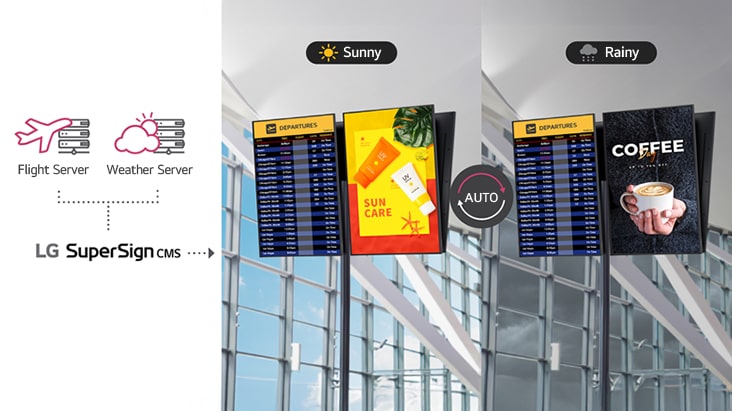
LG SuperSign CMS can connect to external databases, allowing for real-time data to be displayed in conjunction with SuperSign content. This feature is particularly useful for displaying information such as weather conditions or flight status updates, which can be updated automatically and displayed in real-time.
* LG SuperSign CMS provides services linked with external data (Excel, XML, Json, etc.), and external data is not included in the solution.
Optimized Power Consumption
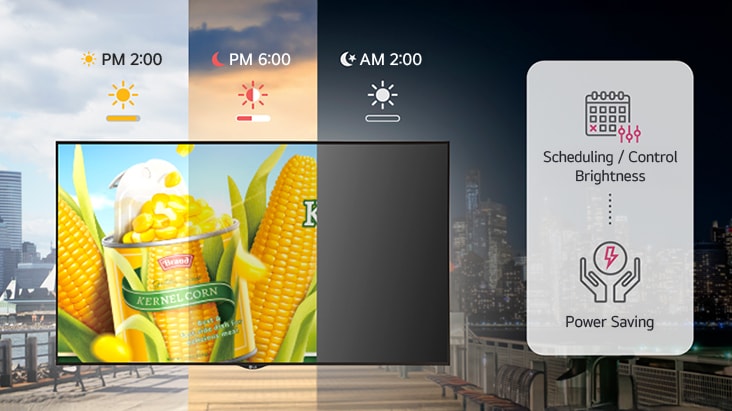
The brightness level of digital signage displays is a major factor in determining their power consumption. LG SuperSign CMS provides convenient multi-device control, including brightness scheduling, which helps optimize power consumption.
Compatible Devices
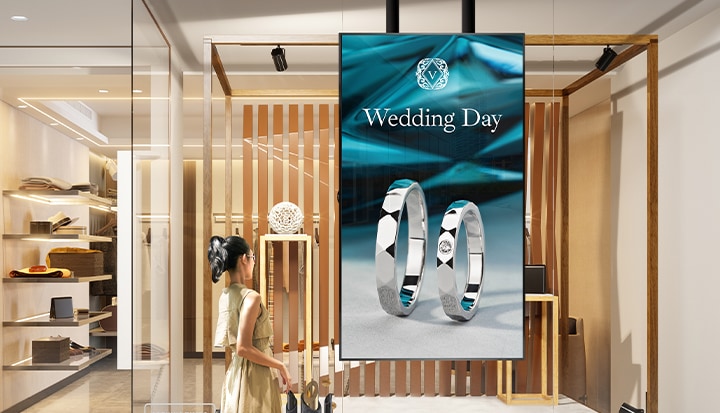
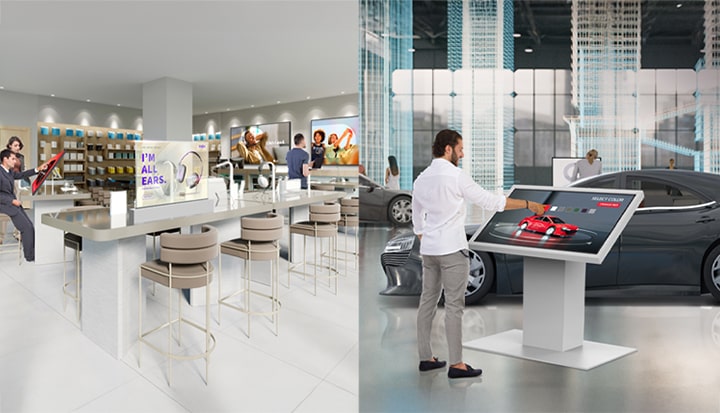
LG SuperSign CMS is optimized for all LG Signage displays. Any content created through LG SuperSign CMS can be used regardless of the types of the display. This means that LG SuperSign CMS can seamlessly connect and manage different types of LG digital signage (High brightness, Videowall, LED, OLED, etc.) using a single server, making it a versatile solution for system administrators.